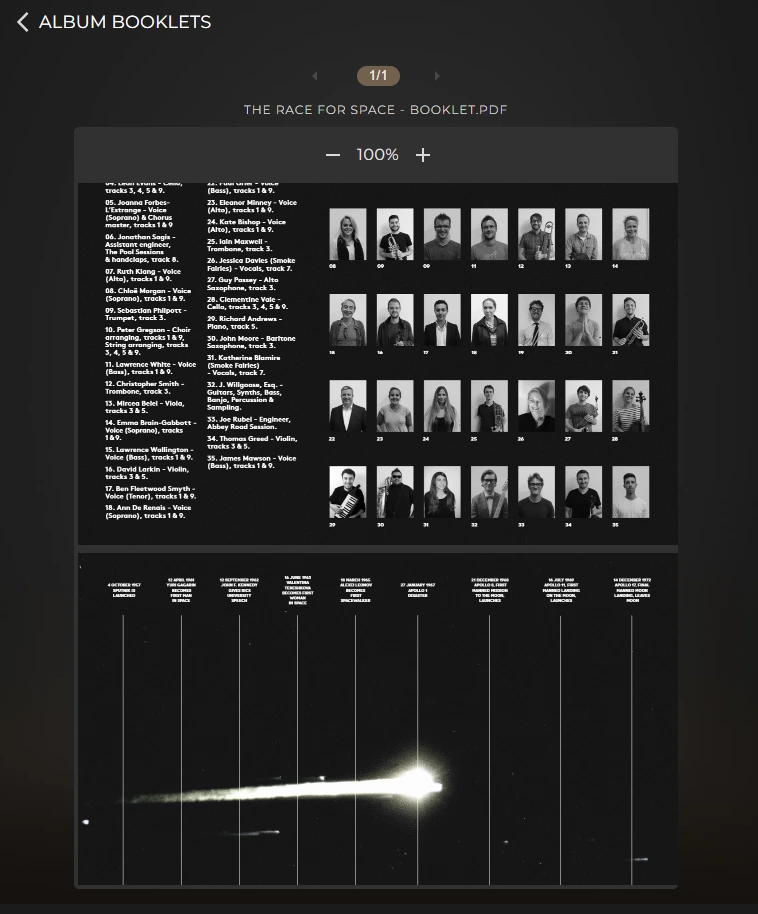

Through the Sense app you can view booklets that come with certain albums. You can also add booklets manually to an album folder if one is not already available.
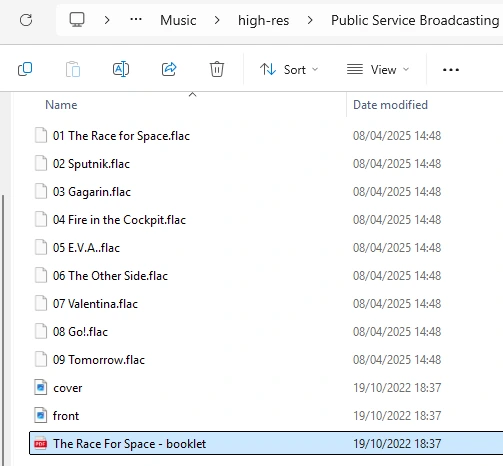
If you place a PDF booklet in the same folder as the album and its tracks, you will then be able to view it in the Sense app. It will resemble the booklet in the folder image below.
You can read how to access the Music folder for your Innuos server here – Accessing the Shared Folders
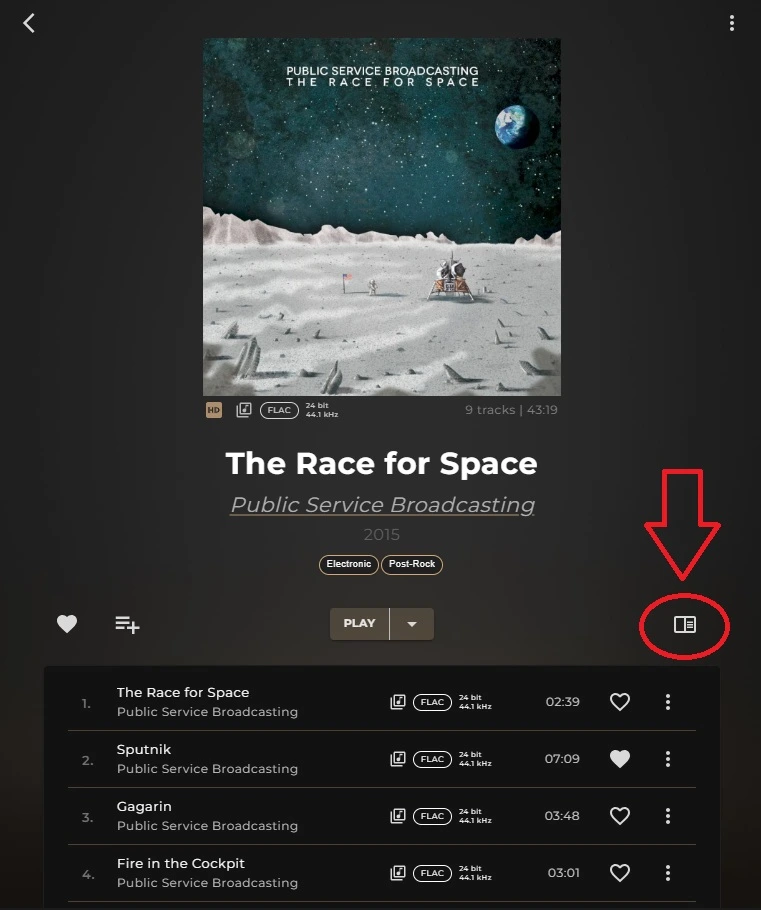
Once its uploaded, you can go back to the album in Sense and select the Booklet icon as highlighted:
The Booklet will then expand for you to view.