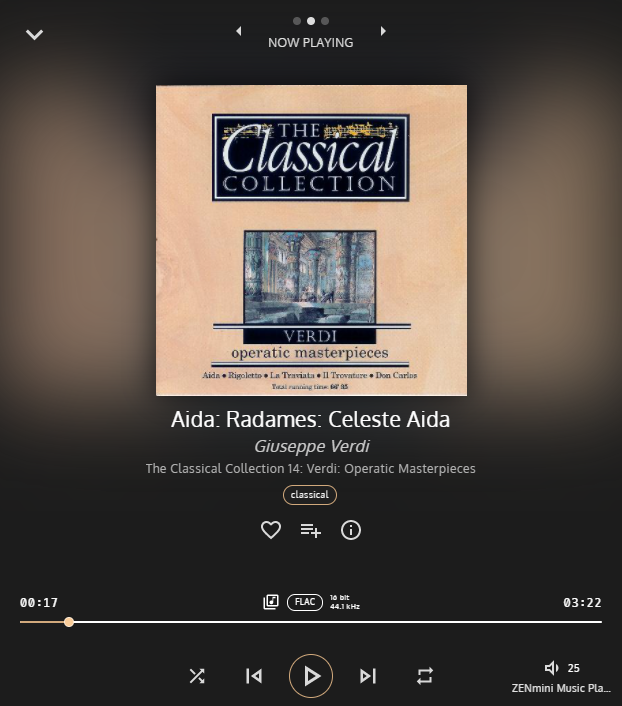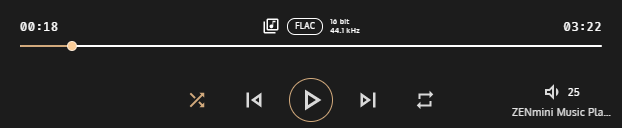

You have played an album, folder or a playlist and noticed that tracks are playing randomly for no apparent reason? Have you checked if the “Shuffle” playback mode is enabled? You may check its status and enable or disable it easily by opening the player full view and looking and pressing the “Shuffle” button icon – which is the leftmost button on the bottom row of playback control buttons. The example screenshots show the full screen player with “Shuffle” disabled (white icon) first and enabled secondly – notice the icon is lit with golden colour.