

For a long time our most-voted feature suggestion over on the Innuos Feedback Zone, the much-requested ‘Innuos Radio’ or ‘autoplay’ is now here and dubbed SmartQ.
With SmartQ enabled, music will automatically carry on playing relevant music when you have reached the end of your current queue of tracks.
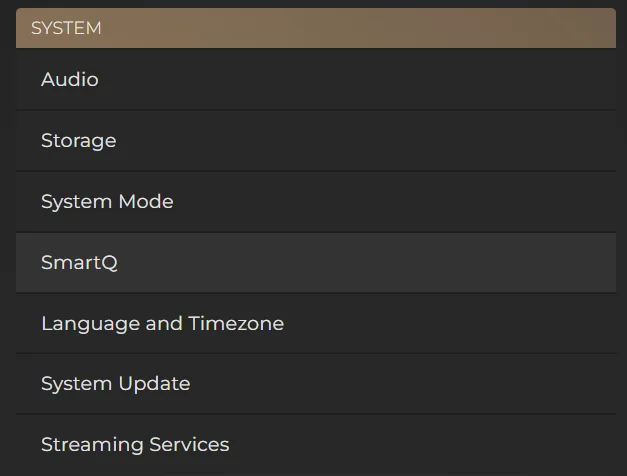
In the Settings of Sense app, you will now see an entry for SmartQ:
Here you will have the ability to enable or disable SmartQ. Furthermore, you can adjust the behaviour so that it can focus more on existing music from your current library, or more towards completely new discoveries that do not exist in your library.
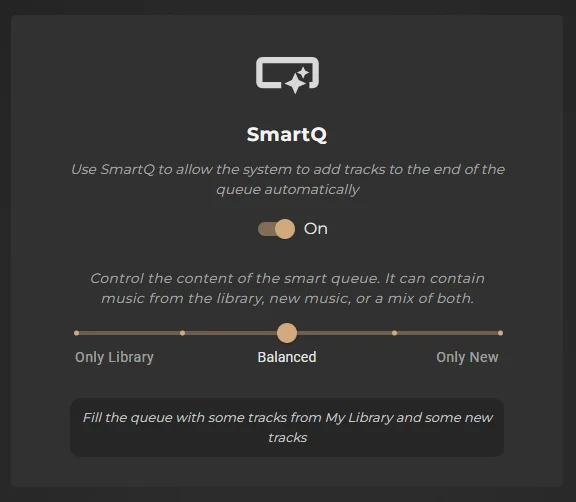
When putting this feature forward to discussion over on the Community Forum, we certainly noticed a divide between users who wanted familiar music to be reliably played from their existing library, versus those who wanted this to be a tool for new music discoveries.
The greatest preference, however, was for a blend of both familiar music and new discoveries. For this reason, we implemented this slider so that you can help direct the behaviour and purpose of SmartQ, with a strong emphasis on either existing library music, new discoveries, or a balanced mixture of both.
When enabled, SmartQ will come into effect when you have reached the final track of your Now Playing queue and will add 5 more songs to the end of the current queue, drawing upon both locally stored files and TIDAL/Qobuz if they are connected.
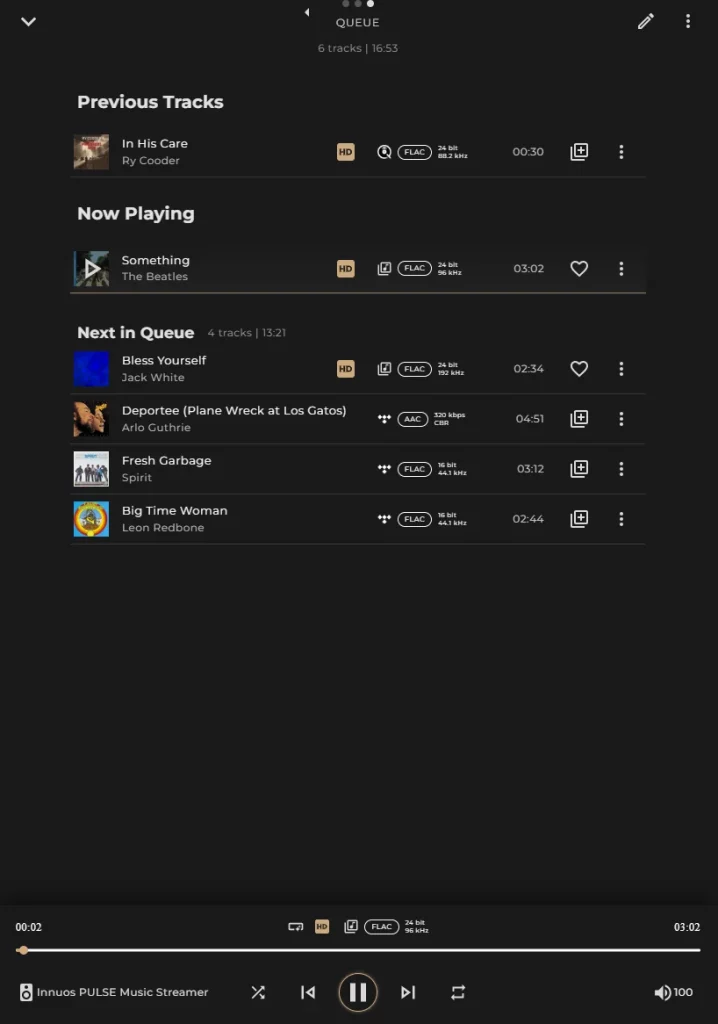
It will keep repeating this process of adding a further 5 songs when approaching the end of the queue until you make another specific selection to play from your library, pause the music, or simply choose to clear the queue completely. You will know when SmartQ is adding new tracks to the queue by the icon appearing on the Now Playing bar, highlighted in RED: