Sense can now be used directly as an AirPlay 2 speaker. Simply select your Sense system as an output from the Music app, Control Centre, or any other AirPlay 2 source, just as you would with any other AirPlay speaker. Playback can then be started or stopped from either end.
Your Innuos system will be given a default player name for you to find it on a compatible AirPlay enabled device.
Should you need, or wish to, you can reset the AirPlay name for your Innuos system. This is easily done via the AirPlay page found under Integrations in the Settings page in Sense.
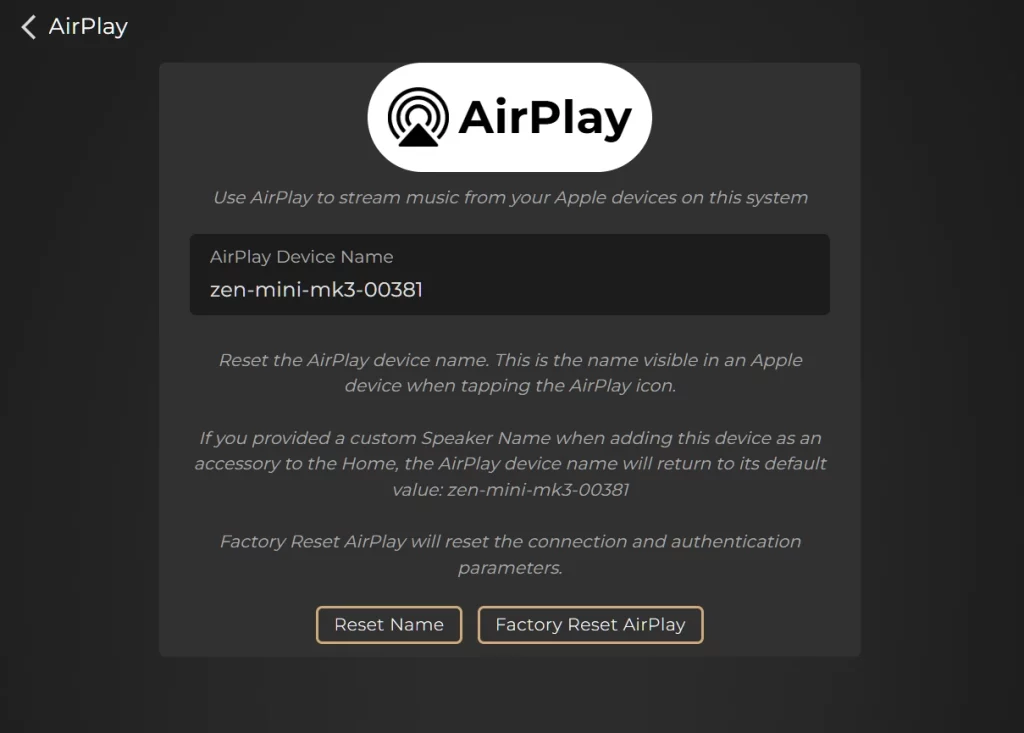
Reset Name
It removes any custom name assigned to your Innuos system via the Apple Home app and forces the AirPlay service to revert to your Innuos systems factory default hostname.
Factory Reset AirPlay
This will factory reset AirPlay on your Innuos system, clearing any existing connection and authentication parameters.